In the age of remote and hybrid work environments, virtual meeting platforms have become a cornerstone for business communication and collaboration. These tools have been developed to bridge the gap caused by geographical distances, allowing for real-time collaboration, which is as effective as physical meetings. The adoption of virtual meeting solutions not only supports the need for continuous communication but also extends the capabilities of organizations to maintain agile and responsive operations. By leveraging the full spectrum of features these platforms offer, from video conferencing to real-time document editing, businesses can emulate the dynamic of an in-person workshop or meeting, ensuring that creativity and productivity remain high.

Ensuring productivity in virtual meetings, however, requires understanding how to optimize these tools for effective communication. It’s fundamental to select a platform that aligns with the meeting’s objectives and the team’s needs. This could involve utilizing built-in features like polls, breakout rooms, and collaborative whiteboards, which enhance engagement and interaction among participants. Creating a culture that fosters collaboration in a virtual office setting is an ongoing process that demands continuous improvement and a willingness to adapt to the evolving digital landscape.
Key Takeaways
- Virtual meeting platforms are essential for modern business communication and collaborative work.
- Productivity in virtual meetings hinges on utilizing advanced features and optimally leveraging platform capabilities.
- Establishing a collaborative virtual office culture underpins the success of remote and hybrid work models.
Optimizing Virtual Meetings for Enhanced Communication
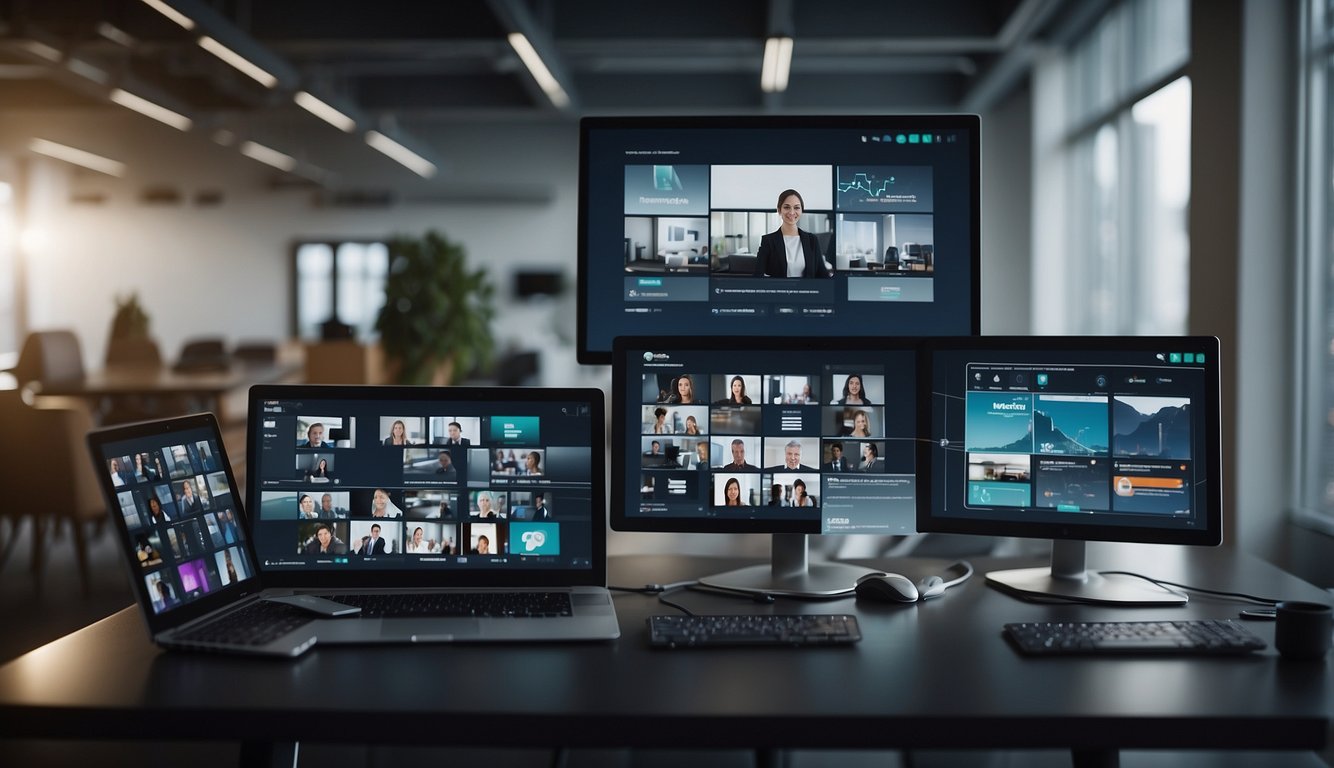
The transformation from traditional to virtual meetings demands meticulous planning and the right set of tools to ensure effective communication. Maintaining clarity, managing tools judiciously, and encouraging interaction are pivotal to optimizing virtual meetings.
Establishing Clear Objectives and Agendas
Setting a well-defined meeting agenda beforehand is critical. It ensures that participants understand the objectives of the meeting, which leads to more focused and productive discussions. A concise agenda distributed in advance allows participants to prepare questions and contributions, aligning the virtual meetings with the intended outcomes.
- Clearly state each agenda item with expected outcomes.
- Allocate specific time slots for each topic to manage time efficiently.
Effective Use of Video Conferencing Tools
The selection of video conferencing platforms like Zoom or Microsoft Teams can significantly impact the flow of communication. Utilizing built-in features such as screen sharing, whiteboarding, and real-time chat can enhance clarity and help visualize concepts being discussed.
- Encourage turning on video to improve non-verbal communication.
- Employ breakout rooms for smaller group discussions to facilitate detailed explorations of complex topics.
Fostering Engagement and Participation
Active participation is essential for a successful virtual meeting. Employing interactive elements such as polls, Q&A sessions, and gamification can keep participants engaged. For example, using Zoom polls to quickly gather opinions can lead to more dynamic and interactive sessions.
- Initiate the meeting with an ice-breaker to create a comfortable environment.
- Rotate the role of meeting facilitator to involve different team members and broaden engagement.
By focusing on these strategies, the facilitator can maximize the potential of virtual meetings for improved communication, ensuring that each participant is heard and productive collaboration is achieved.
Ensuring Productivity in Remote Work Environments

Optimizing the use of virtual meeting platforms and tools is critical in maintaining high productivity levels in remote work environments. This section explores strategies to enhance collaboration, time management, and employee support.
Implementing Collaboration Software
Integrating robust collaboration software provides a solution for the possible fragmentation of communication in remote work. Utilizing platforms like Slack and Trello can streamline task management and facilitate real-time information flow. This setup ensures that remote teams work cohesively, align on priorities, and move projects forward efficiently.
- Slack: Instant messaging and channels for topic-specific discussions.
- Trello: Project boards and task lists for workflow visualization.
Effective Scheduling and Time Management
In a distributed workforce, managing timelines can be challenging due to varying time zones and personal schedules. A solution is to leverage tools like Google Calendar for effective scheduling and ensuring that time management practices are consistent across the team. This not only avoids conflicts but also respects the personal boundaries and working hours of each employee.
- Google Calendar: Shared calendars for meetings and transparent availability.
- Scheduling protocols: Clear guidelines on meeting times and respecting off-hours.
Maintaining Employee Morale and Support
To preserve employee morale and engagement, remote work policies need to provide continuous support and recognition. Initiatives can include virtual team-building exercises and regular check-ins to address any concerns. Prioritizing such support boosts employees’ commitment, reflecting positively on their productivity and the overall success of remote work.
- Regular virtual social events: Fostering team cohesion.
- Open-door policy: Encouraging employees to seek support when needed.
By embracing these strategies, businesses can enhance their virtual team dynamics and productivity, as detailed in Productive Virtual Collaboration: Key Strategies You Need to Know for Success.
Exploring Advanced Virtual Meeting Tools and Features

The evolution of virtual meeting platforms has introduced a suite of advanced features designed to enhance collaboration, security, and inclusivity. These tools offer dynamic solutions to foster engagement, protect sensitive information, and accommodate diverse participant needs.
Interactive Elements and Whiteboards
Virtual meeting tools have become more interactive, allowing participants to engage more effectively with content and each other. Interactive presentation and polling tools such as Mentimeter enrich meetings by enabling live audience participation. Furthermore, online whiteboards are essential for visual collaboration, with tools like Mural leading the way in facilitating team creativity and coherence across digital workspaces.
Enhanced Security and Privacy Options
Security and privacy are paramount in virtual meetings to protect proprietary information and participant data. Enhanced security features include encryption, multi-factor authentication, and the ability to lock meetings once they have started. For instance, platforms like Google Meet, as part of Google Workspace, begin with robust security measures that businesses can trust for reliable communication.
Accessibility and Inclusivity in Virtual Spaces
Accessibility features are crucial in creating an inclusive virtual meeting environment that caters to participants with different needs. Closed captioning and screen reader support are some accessibility options available. Platforms are integrating automatic transcription services and ensuring their interfaces comply with accessibility standards. These features, coupled with the ability to create breakout rooms for smaller group discussions, ensure that all participants have access to the tools necessary for full participation in virtual spaces.
Constructing a Collaborative Virtual Office Culture
Cultivating a collaborative culture within a virtual office necessitates intentional strategies to build trust and foster connection across distances. This section outlines practical steps to solidify teamwork among remote and hybrid teams, ensuring time zones become a bridge rather than a barrier, and leveraging systematic feedback and brainstorming to fuel innovation.
Building Trust and Respect Among Remote Teams
Trust is the cornerstone of effective teamwork, especially within a remote setting. Establishing trust in a virtual office involves clear communication, reliability, and transparency. Encourage team members to share personal anecdotes and professional experiences during team meetings, which can help personalize their digital presence. Additionally, implementing virtual team-building activities can strengthen interpersonal relationships and promote a sense of belonging.
- Transparent Communication: Regular updates and open dialogue about project progress and individual responsibilities.
- Reliability: Consistent performance and adherence to deadlines, creating a dependable remote work environment.
Adapting to Global Teams and Time Zones
Working with team members across different time zones requires adaptability and careful planning. Schedule team meetings at times that are as convenient as possible for the majority, and rotate meeting times to share the inconvenience fairly. Utilizing shared calendars and tools like time zone converters can assist in aligning schedules efficiently. Moreover, embracing round-the-clock productivity can be advantageous, given that work is continuously progressing across the globe.
- Shared Calendars: Aid in visualizing everyone’s availability and simplifying meeting scheduling.
- Flexible Work Hours: Allow team members to work during their peak productivity times, fostering a results-oriented culture.
Incorporating Regular Feedback and Brainstorming Sessions
Effective collaboration is driven by continuous feedback and innovative brainstorming sessions. Implement a structured process for regular check-ins where team members can offer constructive feedback. This can include structured surveys or informal discussions that promote honest exchanges. Additionally, dedicate time for virtual brainstorming where team members can collaboratively generate ideas, employing digital whiteboards and collaboration platforms to capture thoughts and inspirations.
- Regular Check-ins: Facilitate a reliable rhythm for team members to share insights and receive guidance.
- Digital Whiteboards: Utilize interactive tools to record ideas and foster a sense of collective creativity.
What is this meeting really costing you?
Add who attends and what they earn, and our free Meeting Cost Calculator shows the cost per meeting, per year, and what you would save by cutting it shorter or smaller.
Runs in your browser; nothing you type is stored.
Frequently Asked Questions
This section answers common queries about maximizing the efficacy of virtual meeting platforms and tools, ensuring your remote meetings are as productive and secure as possible.
How can you enhance engagement in virtual meeting platforms?
Proactive measures like utilizing interactive elements such as polls or quizzes can boost engagement in virtual meetings. Additionally, demonstrating concepts visually rather than just verbally explaining them helps maintain participant involvement.
What are the top virtual meeting tools for collaborative work?
Some of the most reputable tools for collaborative work include video conferencing platforms like Zoom, which is noted for its reliability and comprehensive features. Other collaborative platforms provide functionalities that aid in seamless teamwork, allowing for real-time document collaboration and project management.
Which virtual meeting platforms are most suitable for large group interaction?
Platforms designed for large group interactions often feature breakout rooms, hands-up and polling options, and the ability to manage participant audio and video to mitigate disruptions, thus facilitating more orderly large-scale meetings.
What features should one look for when choosing a virtual meeting platform?
Key features to consider include high-quality audio and video, screen sharing, chat functionality, recording capabilities, and integration with other tools. It is essential that the platform can support the size of your groups and provide the necessary tools for effective collaboration.
How can one ensure security and privacy in online meeting platforms?
To safeguard security and privacy, one should look for platforms offering end-to-end encryption, password-protected access, waiting rooms, and the ability to control screen sharing and meeting attendance. Regular software updates and user training in security best practices are crucial to protect sensitive information.
What are the best practices for recording and documenting virtual meetings?
Recording and documenting virtual meetings can involve setting clear guidelines on when to record meetings, gaining participants’ consent, and storing recordings securely. Additionally, it’s important to clearly label and organize the meeting recordings and notes for easy access and reference.